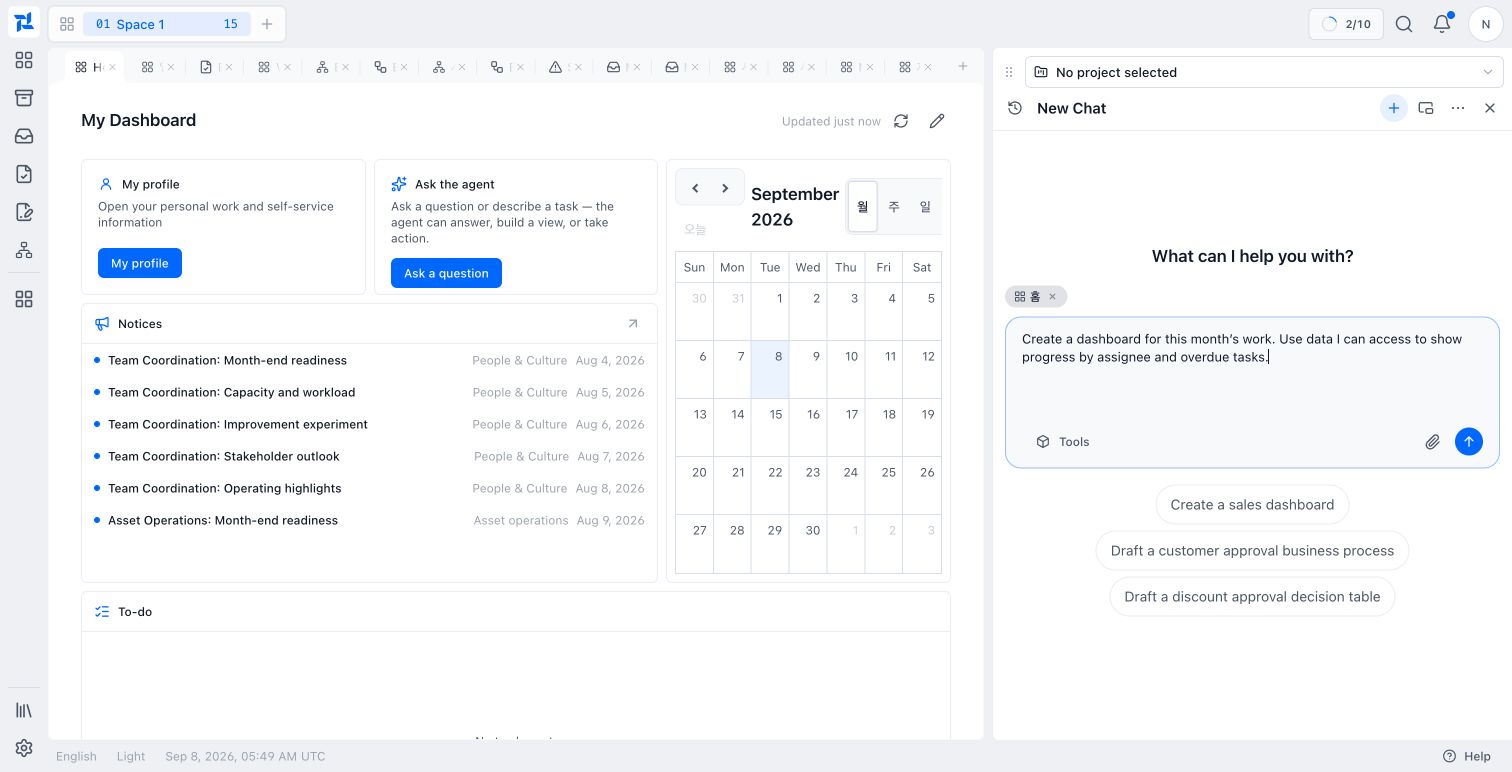
Nexia Product Guides
Find the work. Follow it through.
Review prerequisites, product screens, and the steps required to complete each workflow.
Workspace and navigation
Organize and resume your working context.
Cloud OS workspace
Use Spaces, Work Tabs, App Launcher, and search to organize and resume work.
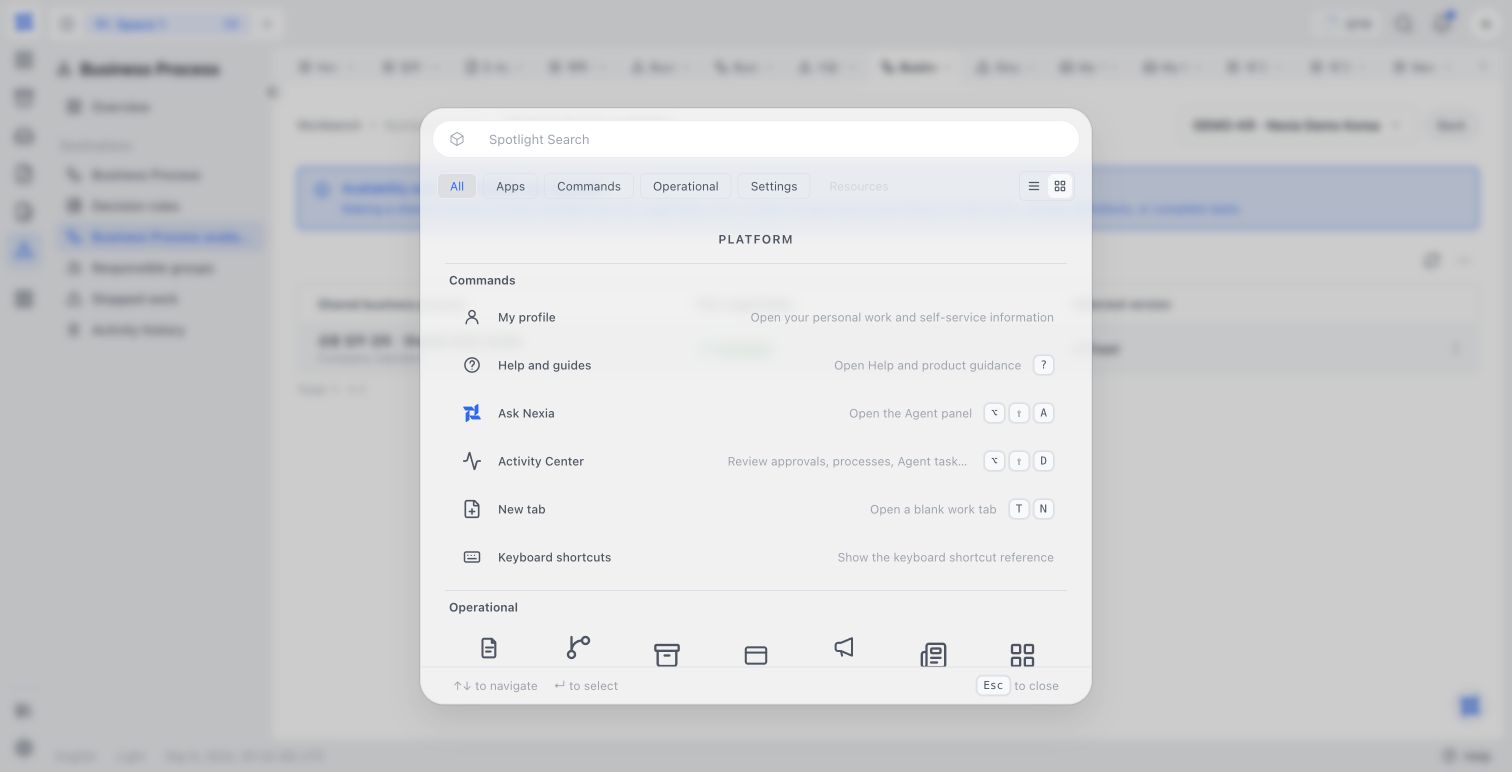
Working with Agent
Manage conversations, context, and results.
Agent workspace
Manage conversations, project context, and reusable artifacts.
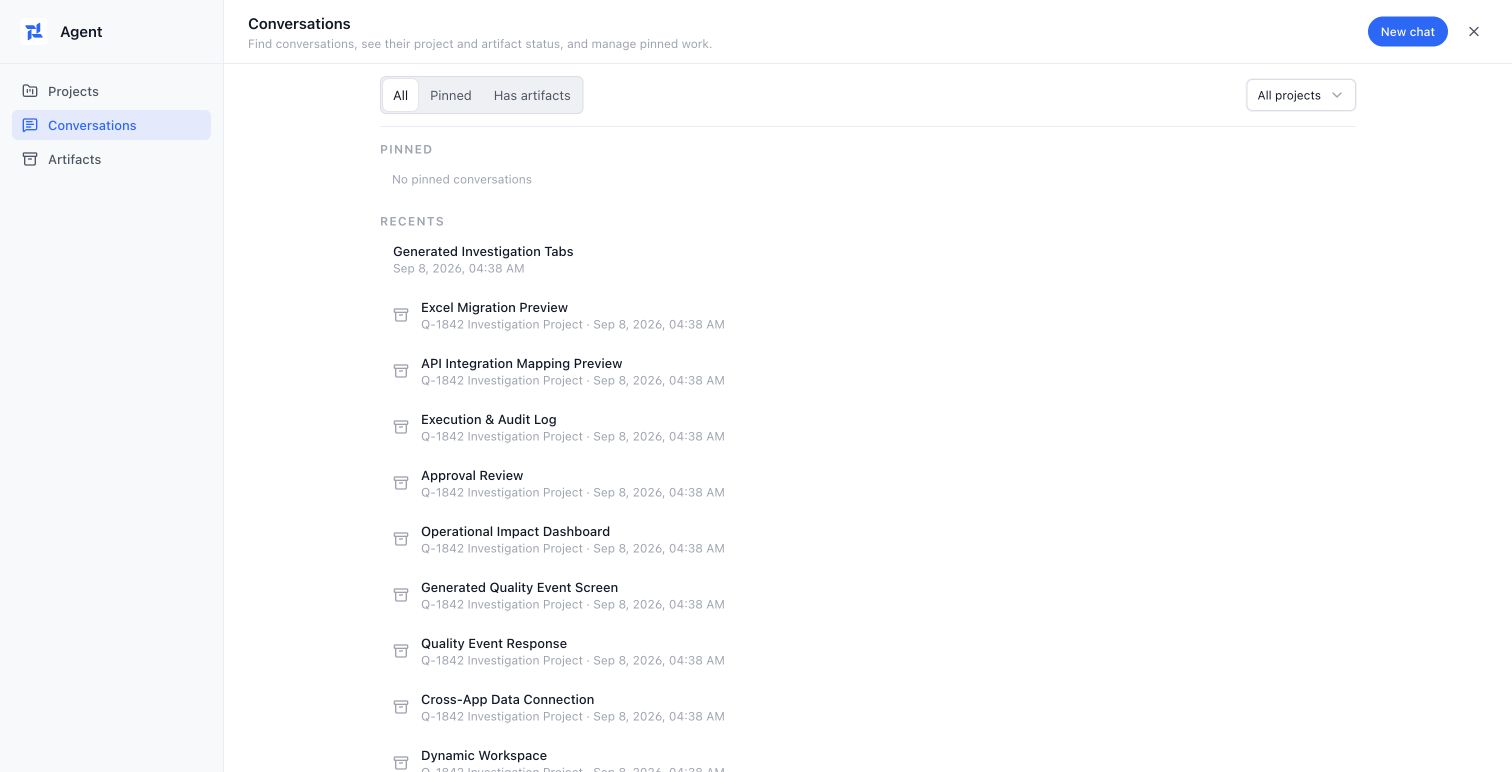
Approval and signature
Prepare requests and follow accountable decisions and signatures.
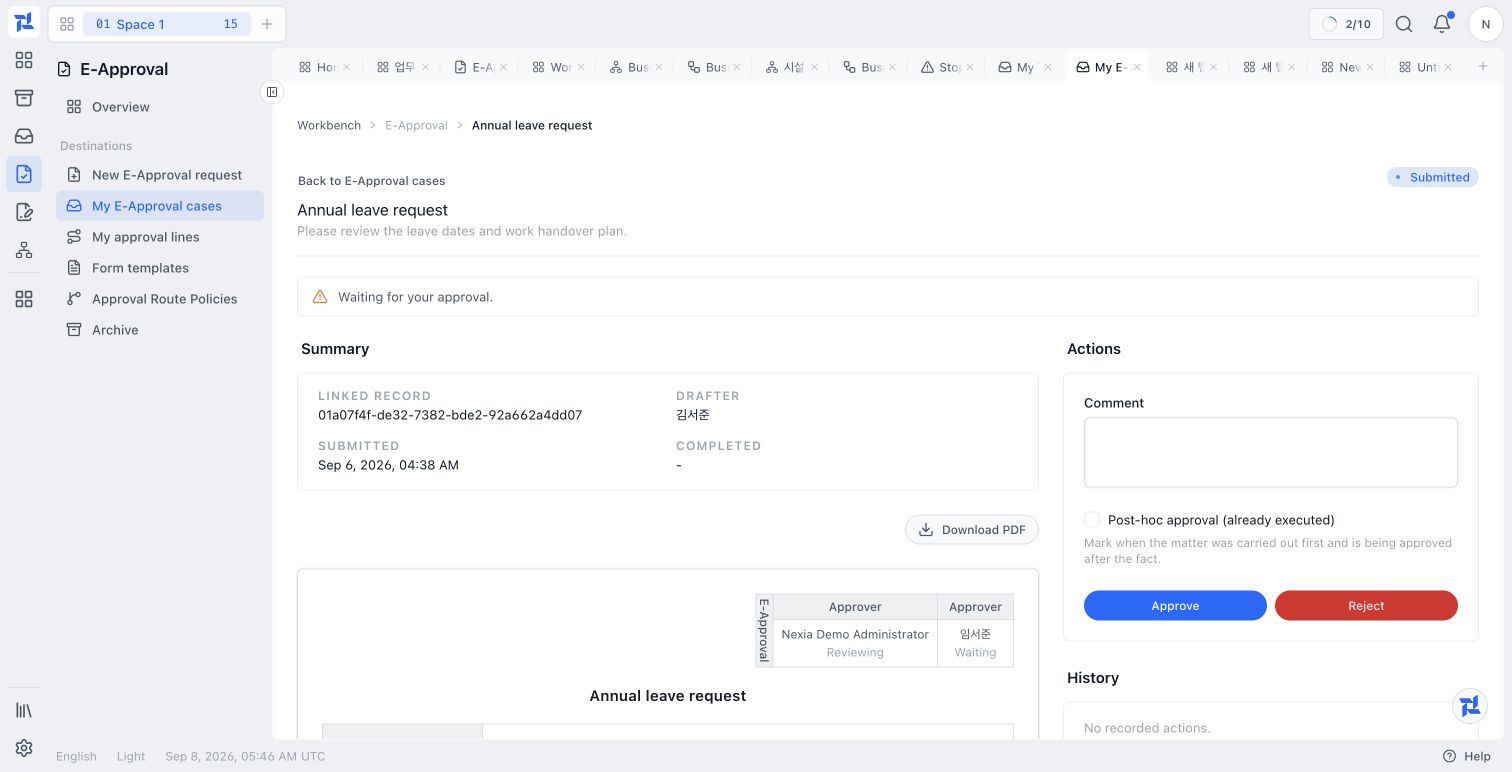
E-Approval
Prepare approval documents and retain review and decision history.
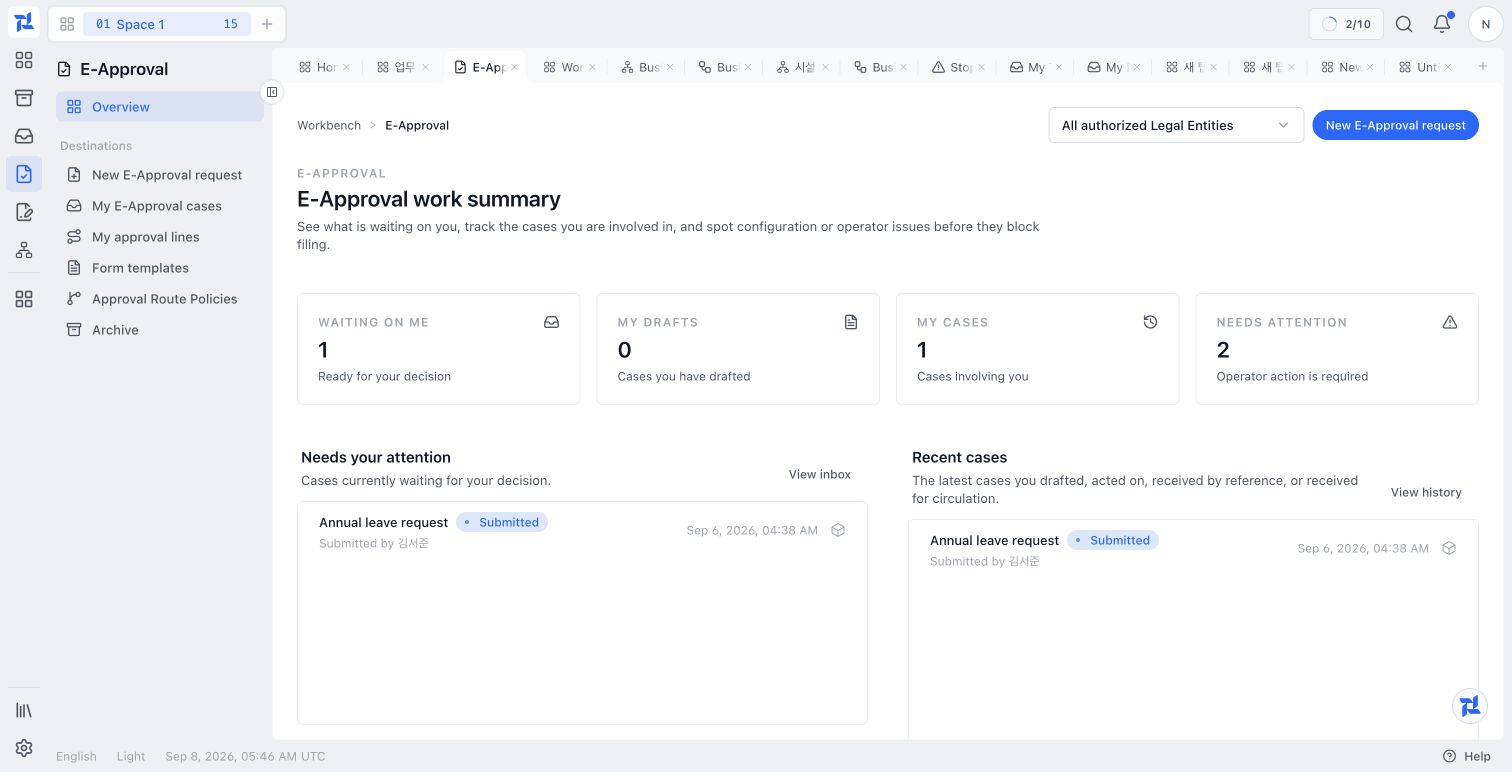
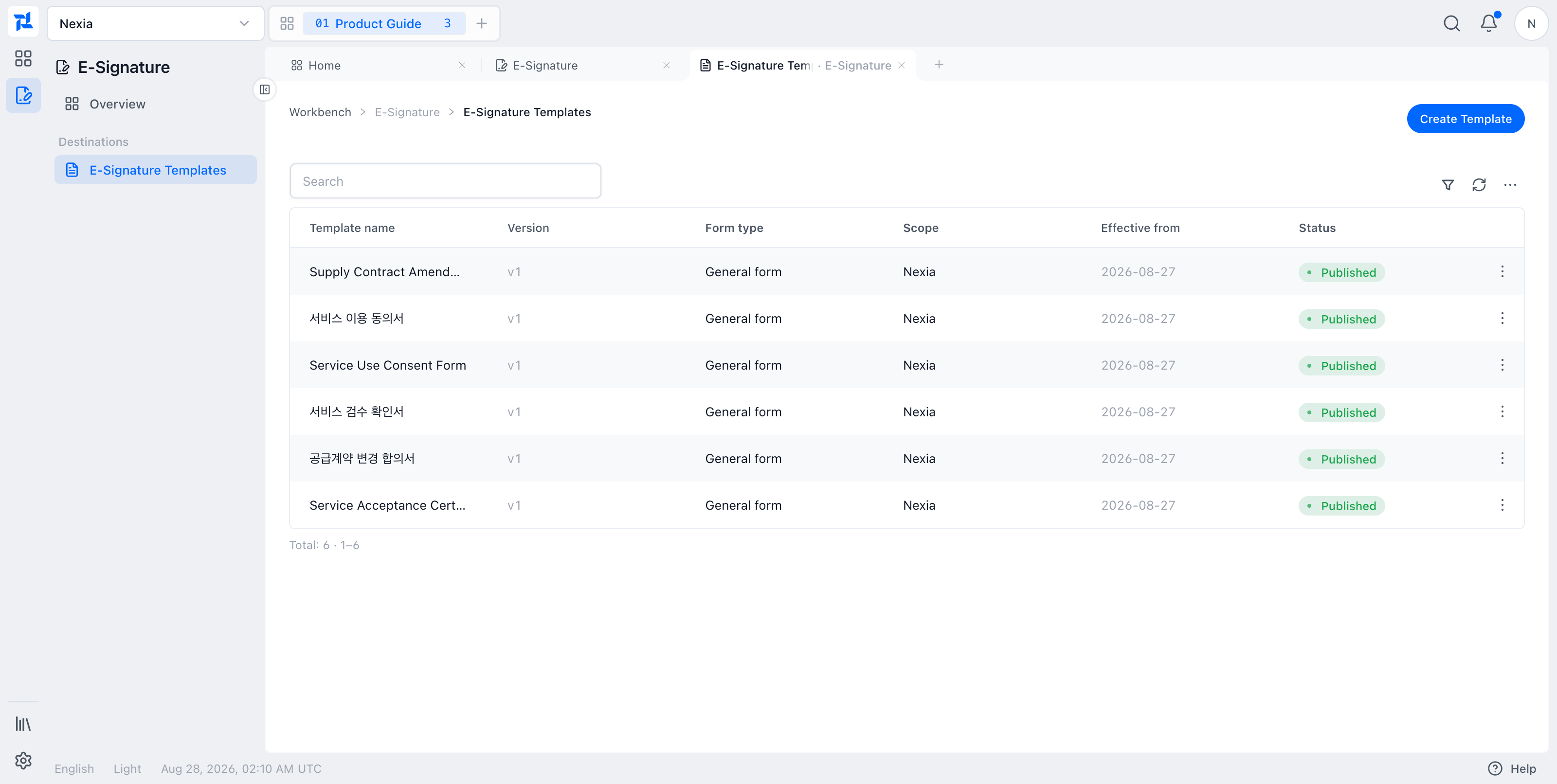
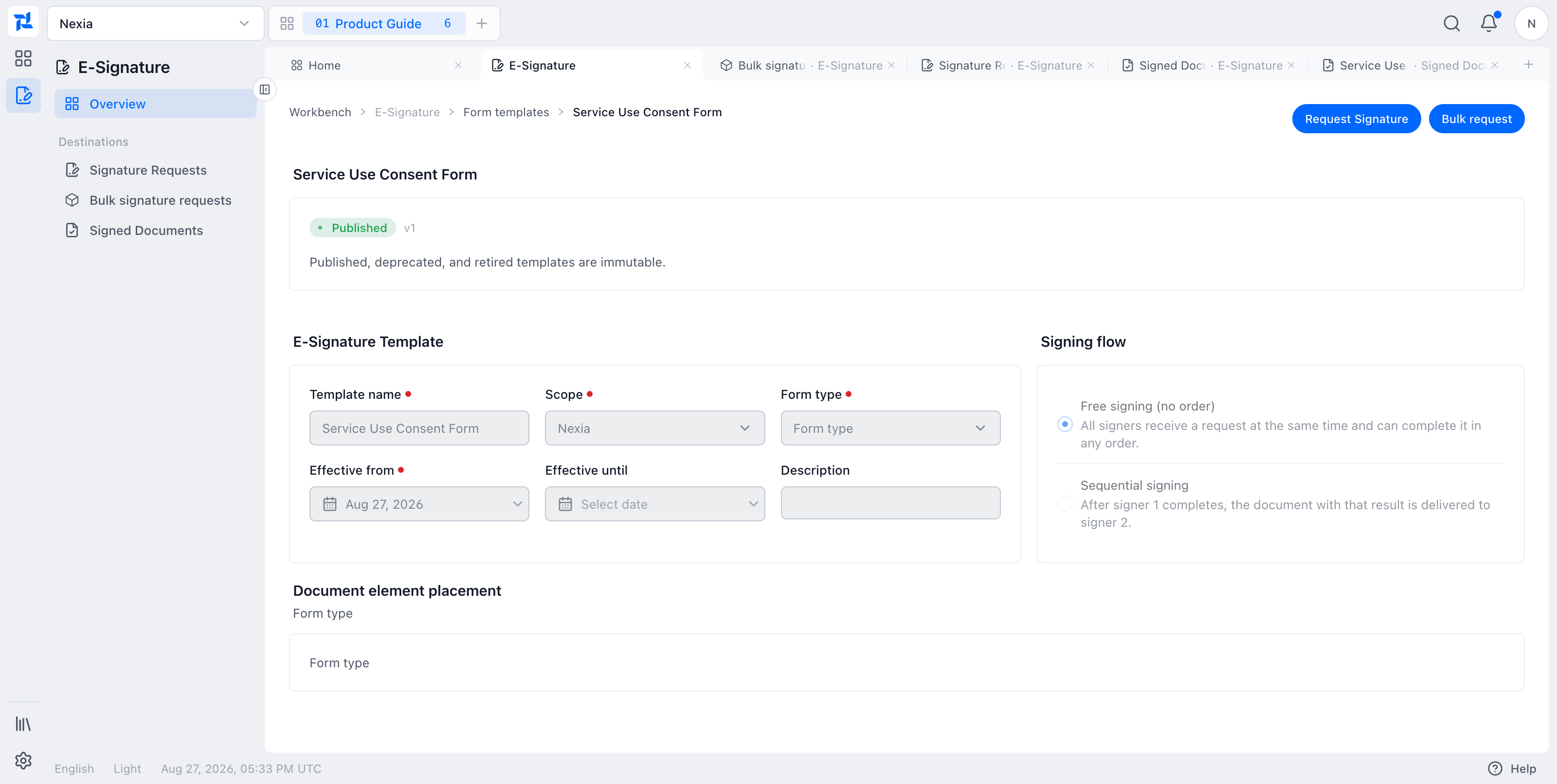
E-Signature
Prepare templates, send requests, and track signatures and completed evidence.
Business processes
Design, deploy, and operate long-running work.
Business Process
Manage process design, deployment, assigned tasks, and incidents.
Design a business process
Build a process draft with steps, assignments, inputs, branches, and waits, then save it for publication.
View guide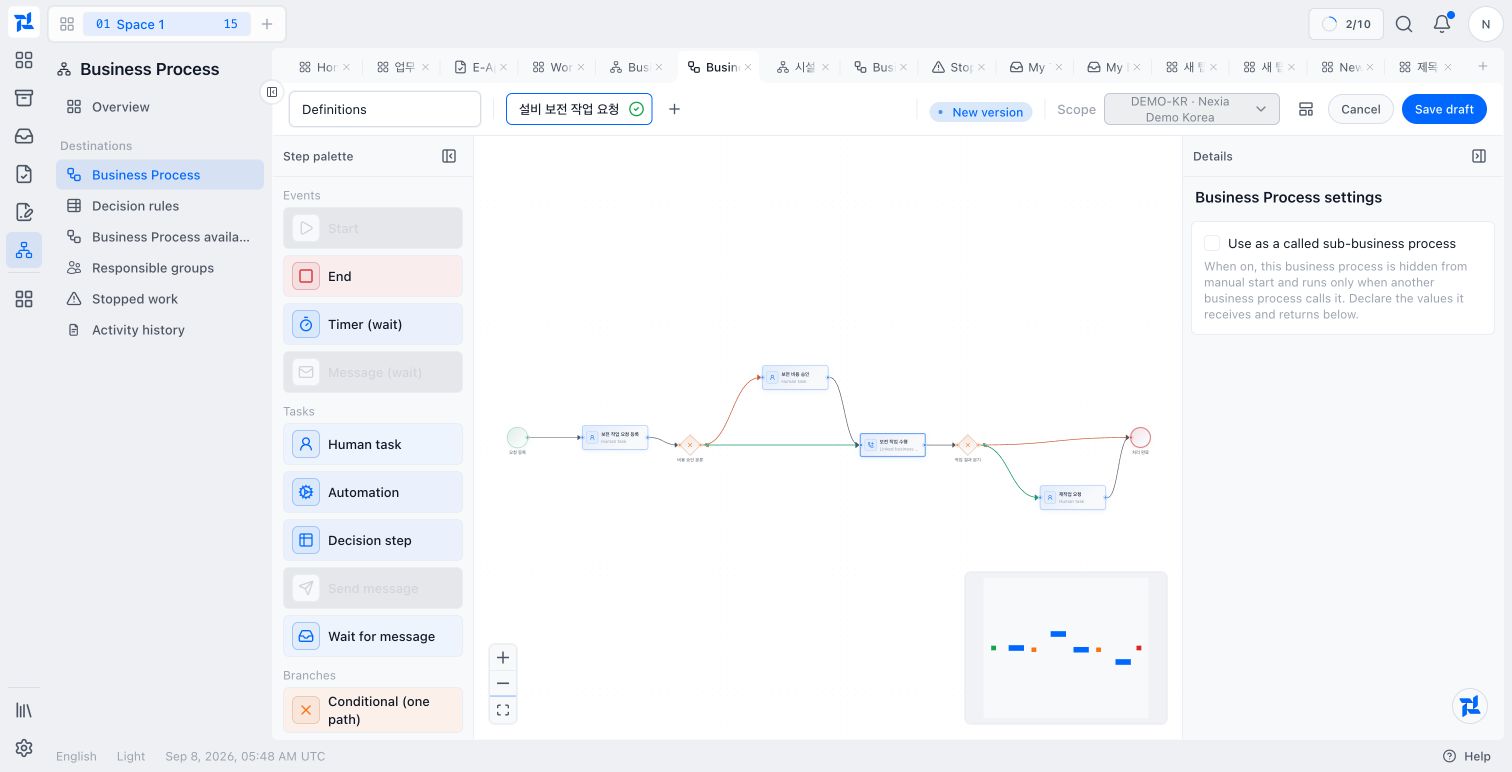
Deploy a business process
Select a published process version and make it available to a Legal Entity.
View guide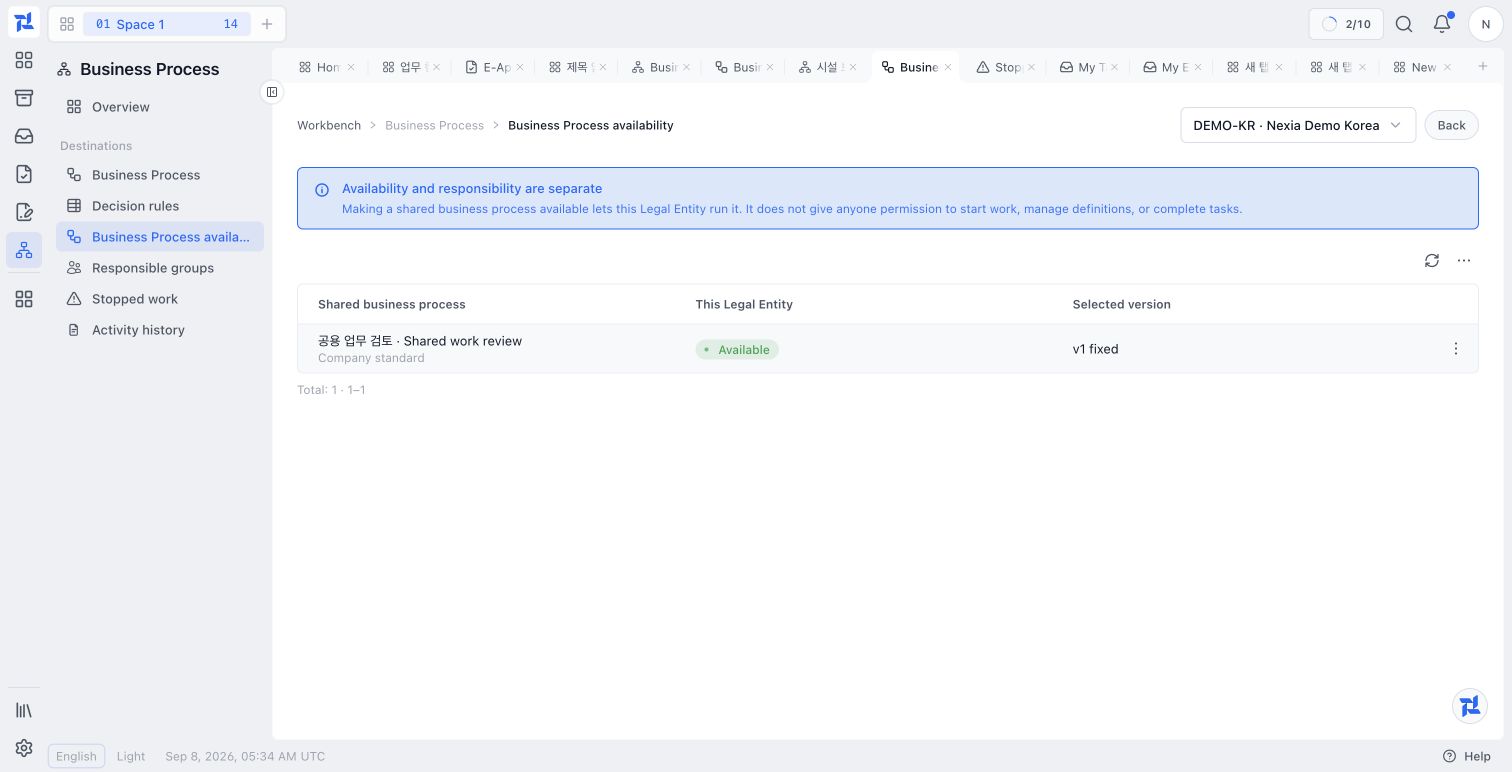
Complete an assigned task
Find process work in the unified inbox, review its source and assignment, and complete the required input or outcome.
View guide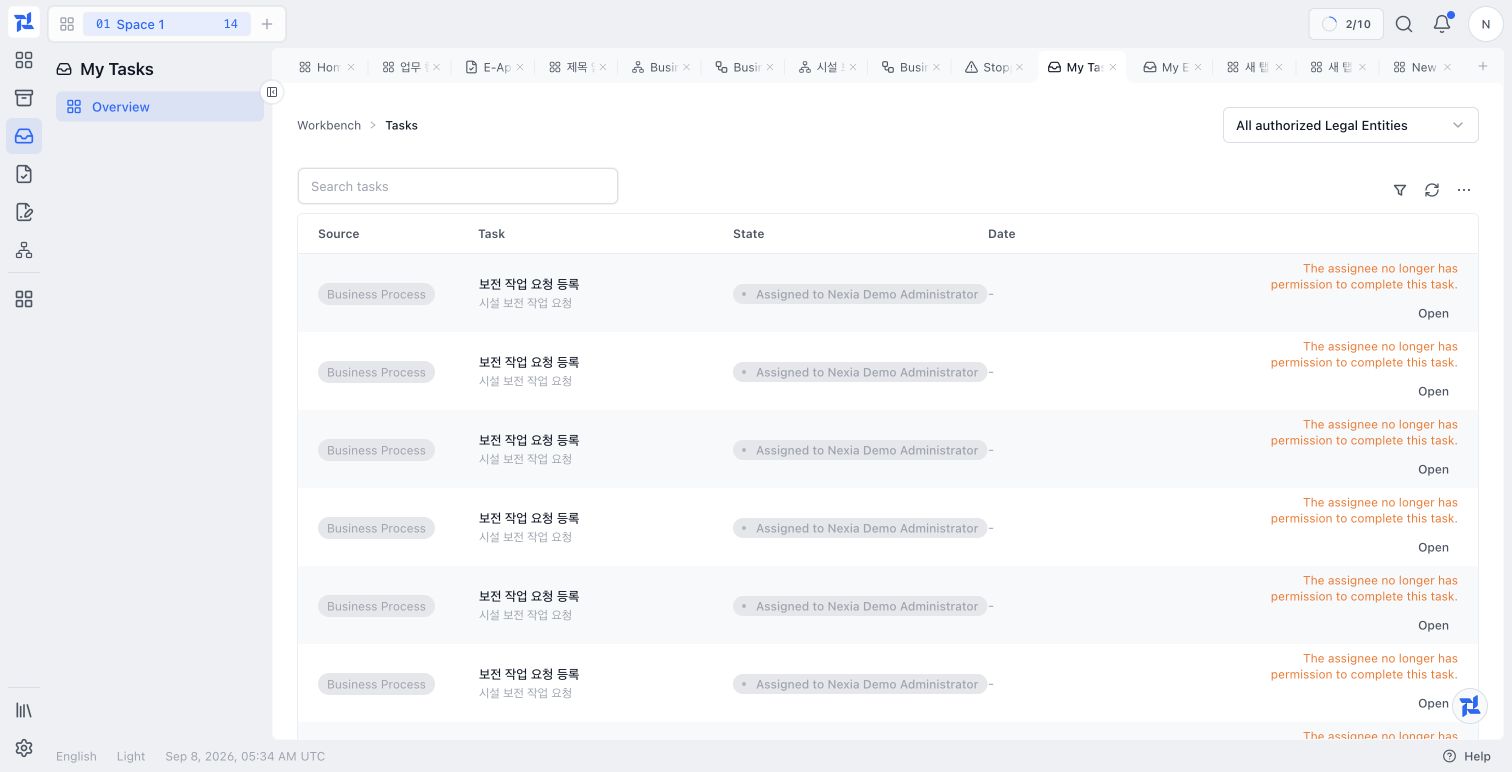
Handle a business process incident
Inspect a stopped process step, choose an available recovery action, and check the resulting instance state.
View guide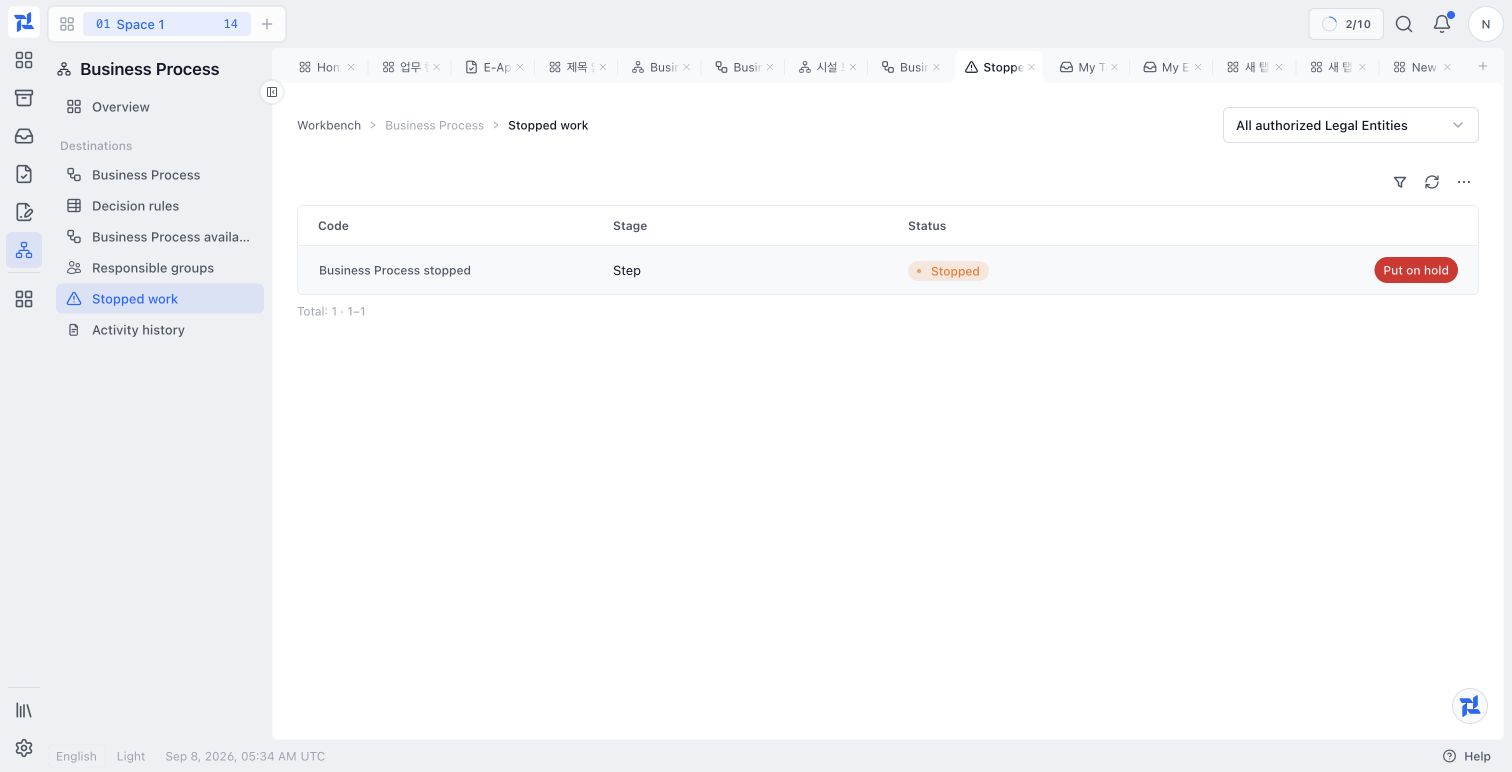
Reports and dashboards
Build and reuse the data views and dashboards you need.
Reports and dashboards
Build saved data views, reuse them in dashboards, or build a dashboard with Agent.
Build and reuse a report
Create a saved data view and reuse it on dashboards.
View guide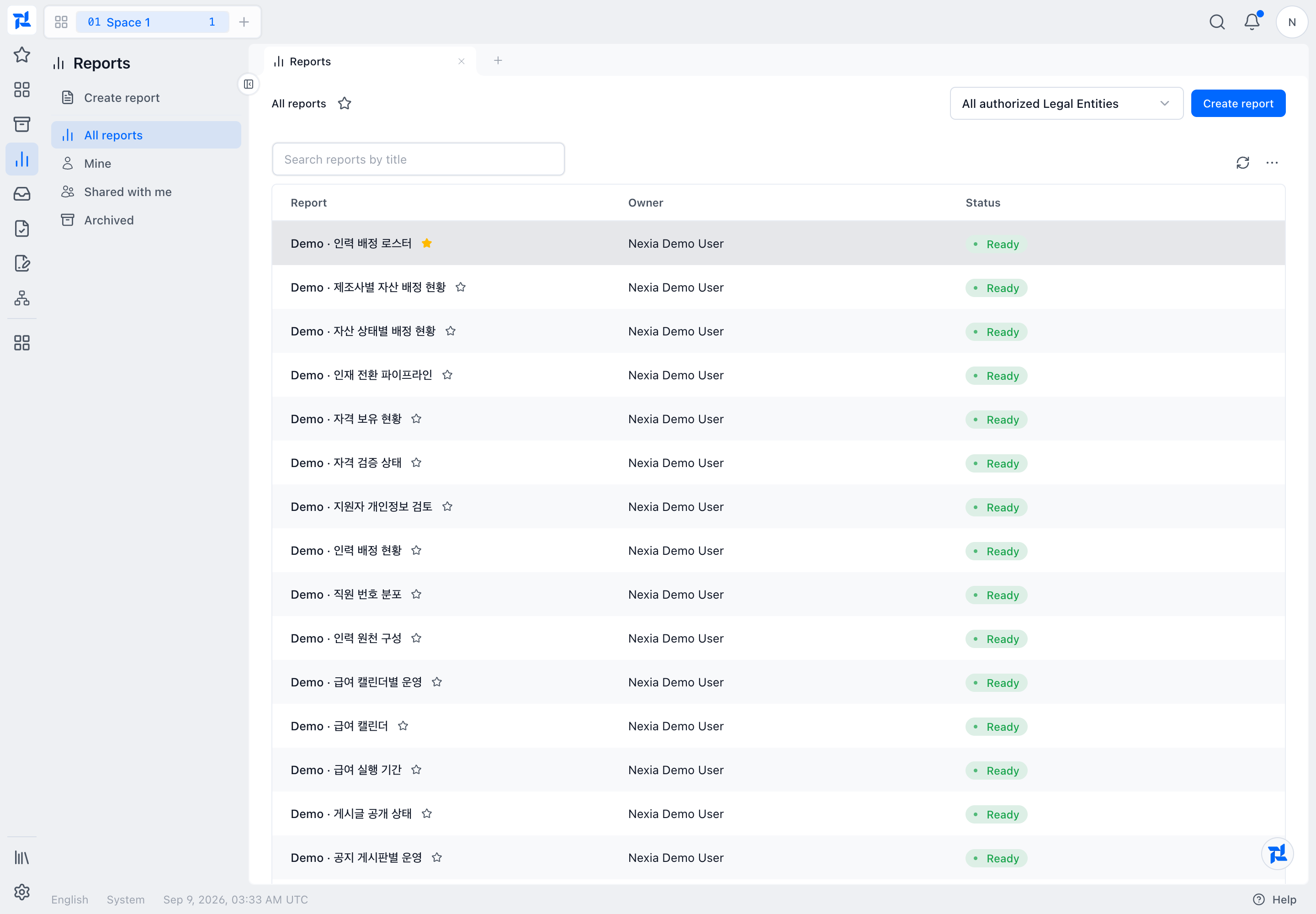
Build a dashboard directly
Create a dashboard, add available widgets and business data, arrange the layout, and save it for reuse.
View guide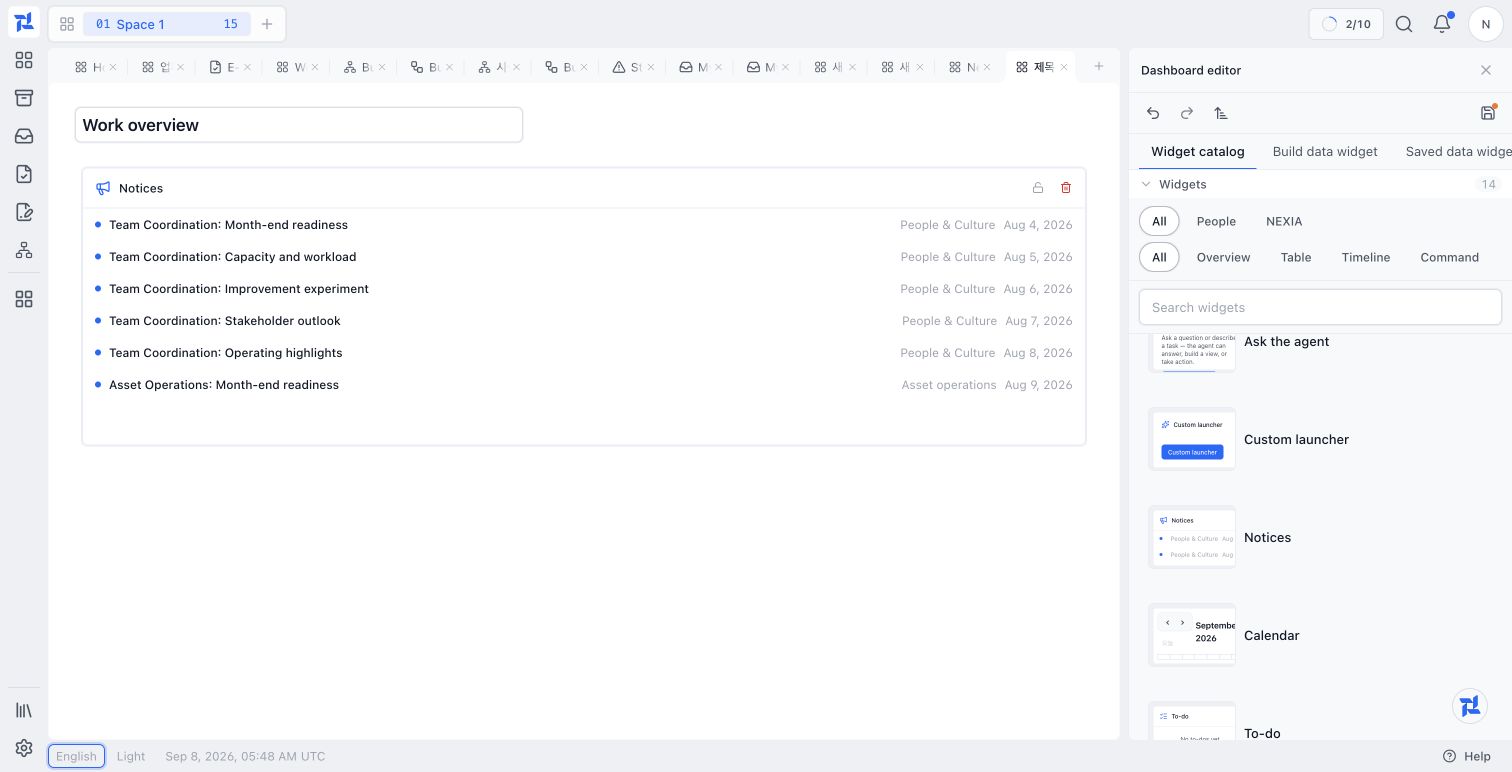
Build a dashboard with Agent
Follow a monthly work overview from the initial request through review, revisions, saving, and reopening.
View guide